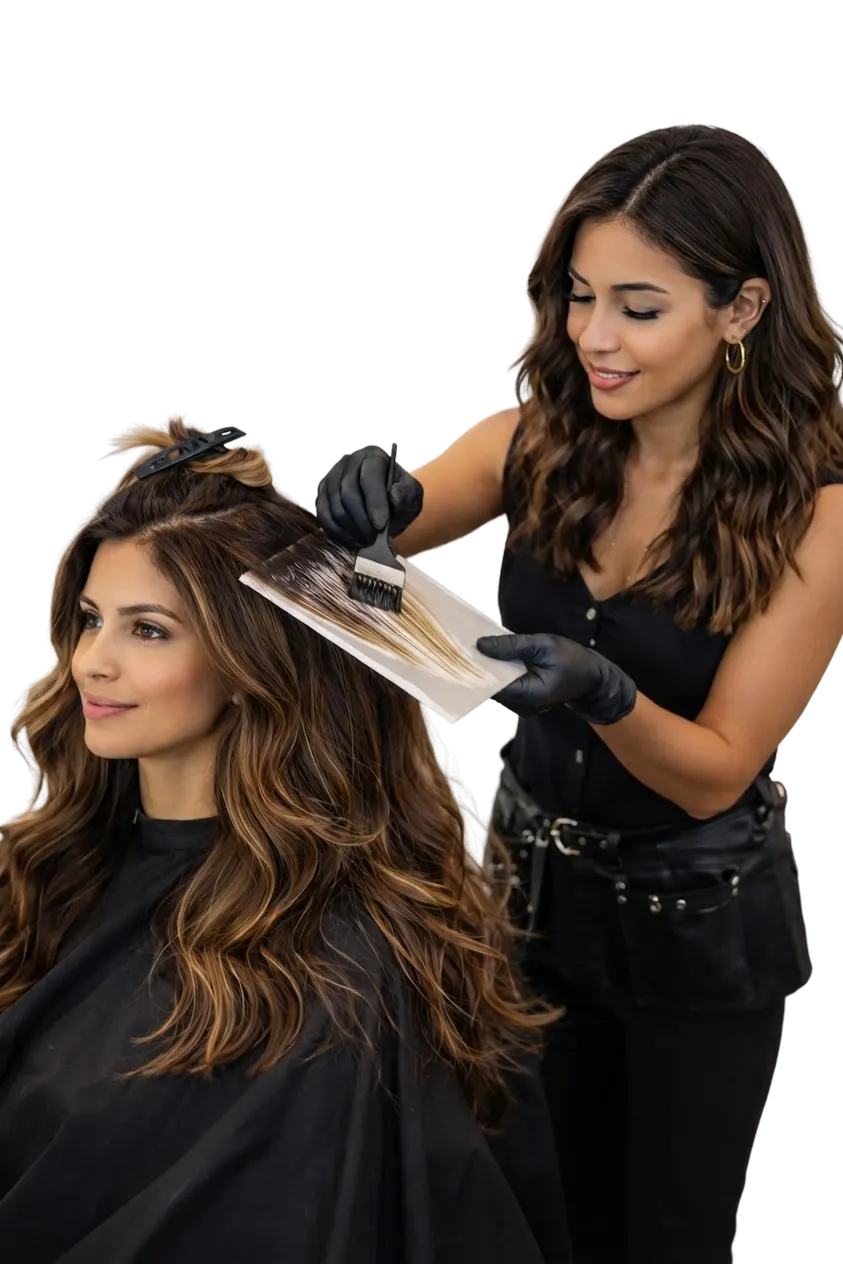

A stylist foiling a client's hair in the salon
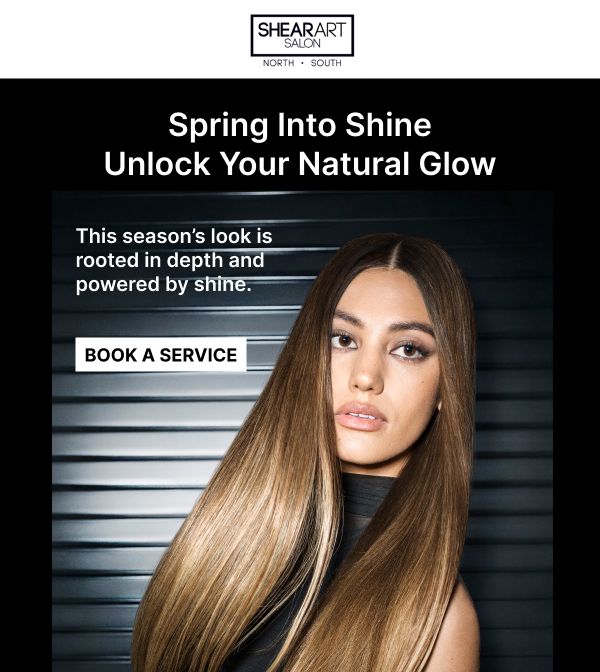
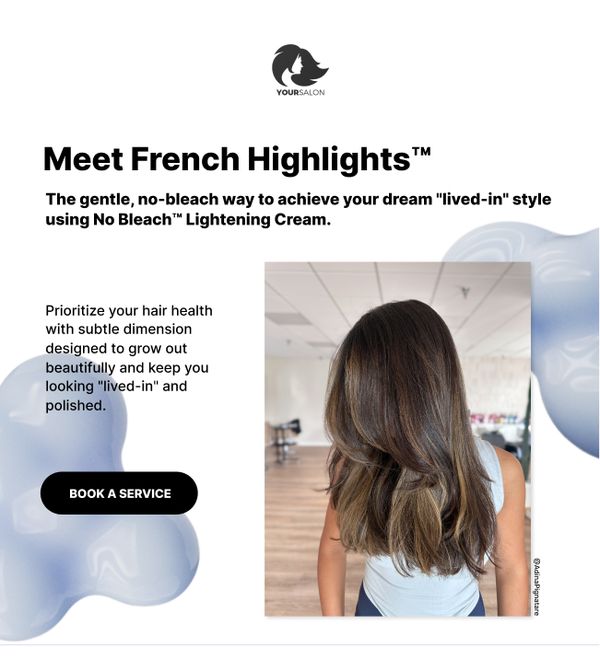
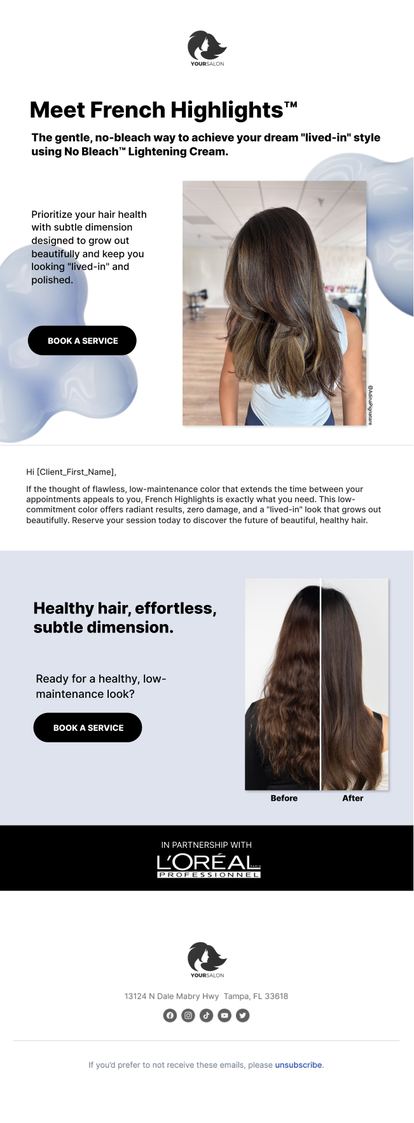
L'Oreal French Highlights service promotion email
SalonInteractive icon (booking)
New booking received!
Wendy Anderson has just booked a L’Oreal French Highlight service at Your Salon.
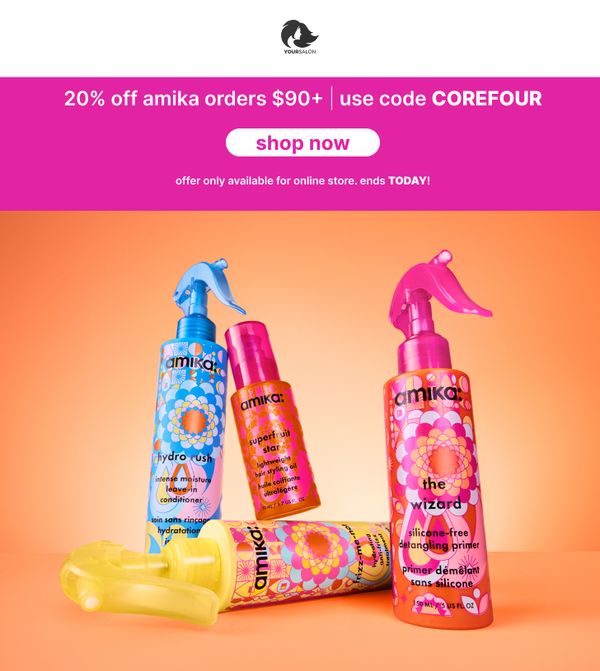
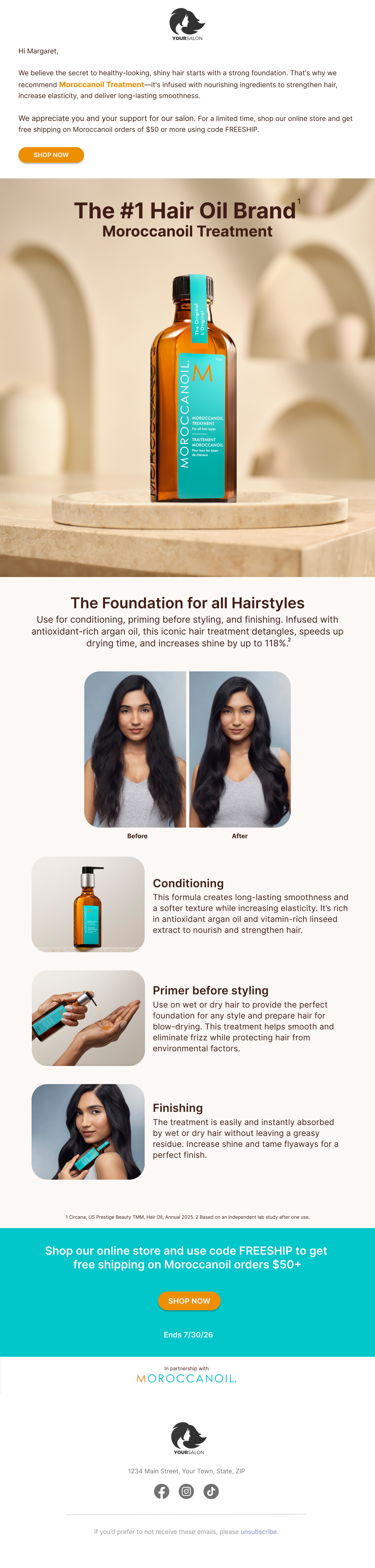
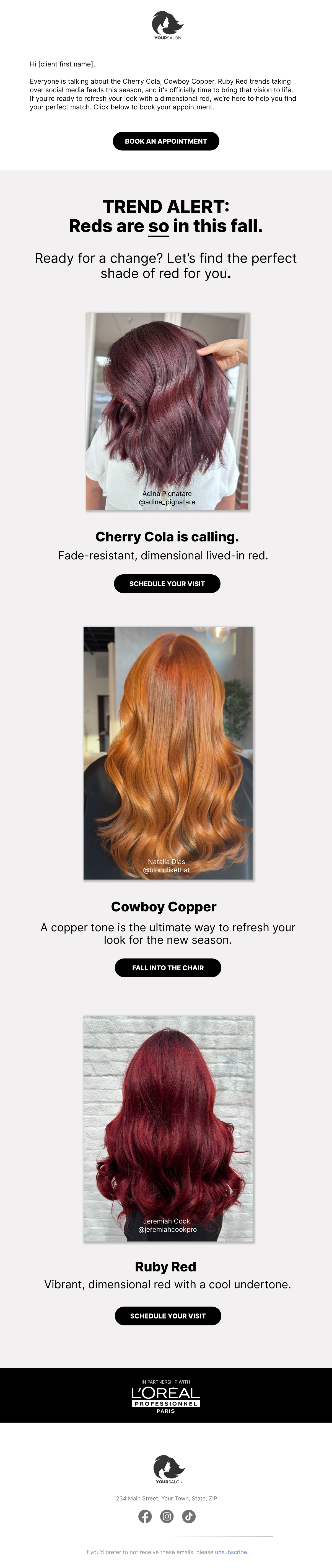
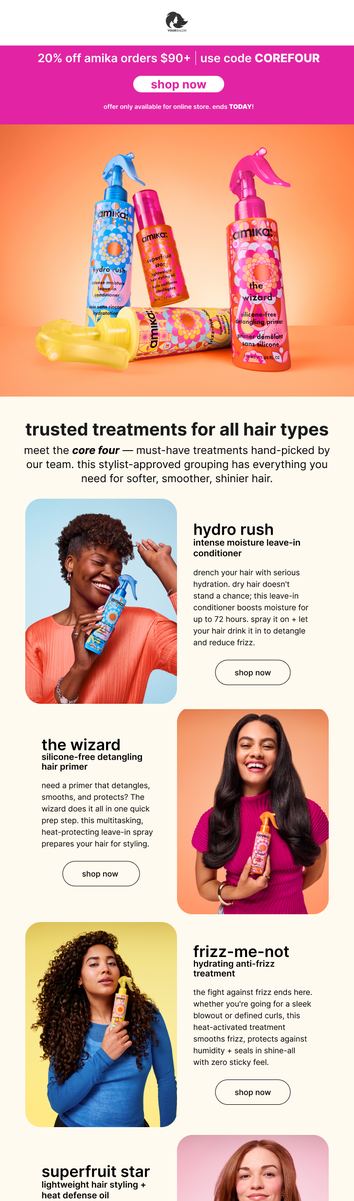
amika retail promotion email
SalonInteractive icon (sale)
New Sale from Your Store
You have a new order for 4 items totaling $137.00 from Online Store.
Rosy Salon Software
SalonInteractive
Built into Rosy · Free for every salon

Grow bookings and revenue with Rosy, without lifting a finger

By connecting Rosy to SalonInteractive you unlock access to automated brand marketing on your behalf. Top pro beauty brands sponsor email campaigns that are sent to your clients from your salon, driving bookings to your chair and orders to your Online Store.

Find it under your Boosters tab in Rosy

Proven results for Rosy salons

Up to
$4,000
added revenue
Up to
94
bookings per campaign
Average order
$83
for retail campaigns
The partnership
Rosy Salon Software logo
SalonInteractive logo

The client list you already keep in Rosy starts earning for you

Rosy runs your books. SalonInteractive puts your client list to work. Every client you add in Rosy syncs to SI.

01
Clients sync from Rosy
New and existing clients flow into SalonInteractive automatically. No manual uploads.
02
Brands send on your behalf
Your favorite brands sponsor email campaigns sent from your salon
03
Clients book and buy with you
Every email links to your booking page or your Online Store, putting dollars back in your pocket.
On Behalf Marketing

Brand-designed campaigns, sent under your salon's name

Professional brands sponsor and design every email. You choose which brands and which email types your clients receive, and the campaigns send automatically.

Five kinds of email, working around the clock
Service promotion
Links to your booking page
Free shipping
Drives Online Store orders
Product education
Keeps your recs top of mind
Product discounts
Brand-funded offers
Product sets
Bundles and gift sets
Your clients stay yours

Brands send on your behalf without ever seeing your client list. Every link in every email goes to your booking page or your Online Store.

Examples of service, retail and education On Behalf Marketing emails
Service promos fill your chair

Add your booking link and service promotion emails send clients straight to your Rosy booking page. No Online Store required to start.

Booking page shown on phone and tablet

View recent campaigns

Grow your revenue effortlessly with On Behalf campaigns that drive both service bookings and online retail sales.

Before every campaign

You'll always know what’s on deck for your clients

Before a brand campaign goes out, you can preview what is sent out within your account. If you are opted into our marketing communications, we also email and text your salon upcoming campaign details.
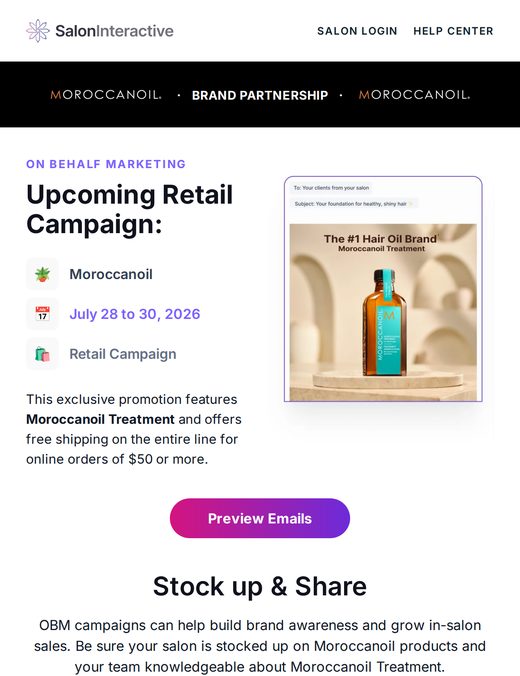
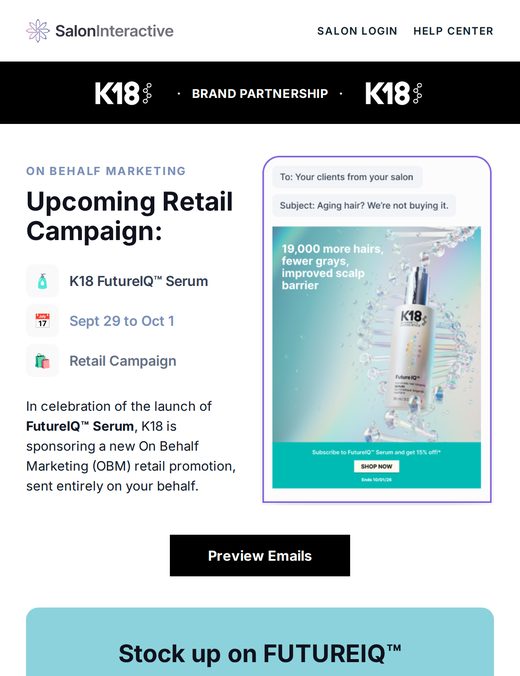
Campaign preview emails
Send dates, the brand's story, and a link to preview every client email.
Text reminders
A quick SMS before launch so nothing sneaks up on you.
Stock up guidance
New shades and featured products to order so your shelves match the promo.
Brand education
Techniques, formulas and product know-how straight from the brand.
Salon email: upcoming Moroccanoil retail campaign, July 28 to 30
Moroccanoil · Jul
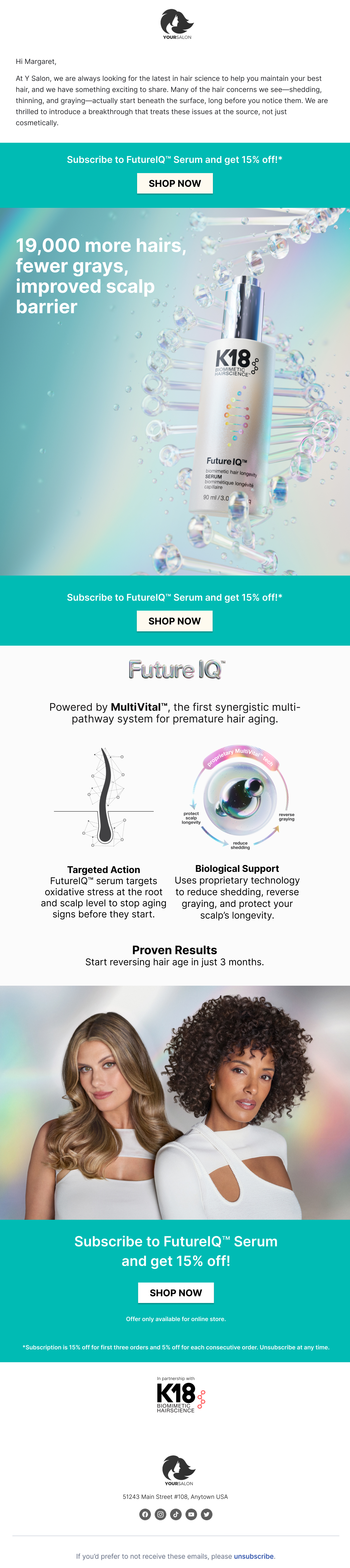
Salon email: upcoming K18 FutureIQ Serum retail campaign
K18 · Sep
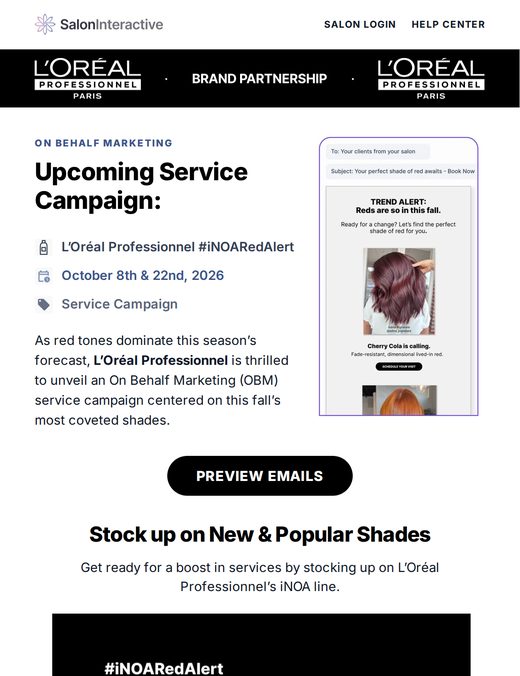
Salon email: upcoming L'Oreal Professionnel iNOA service campaign
L’Oréal iNOA · Oct
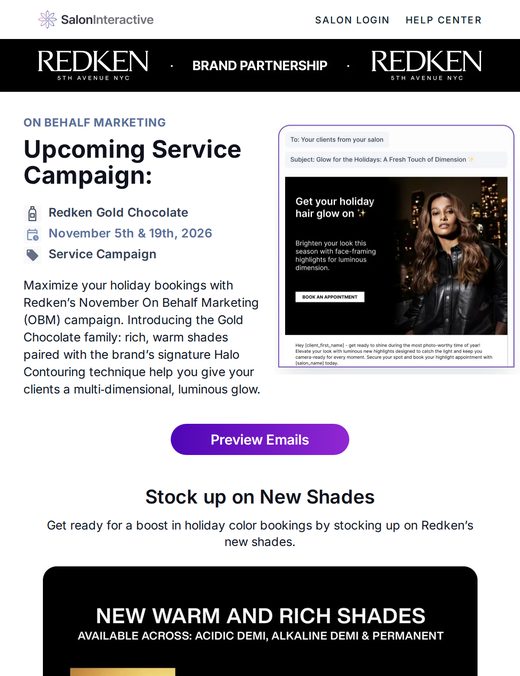
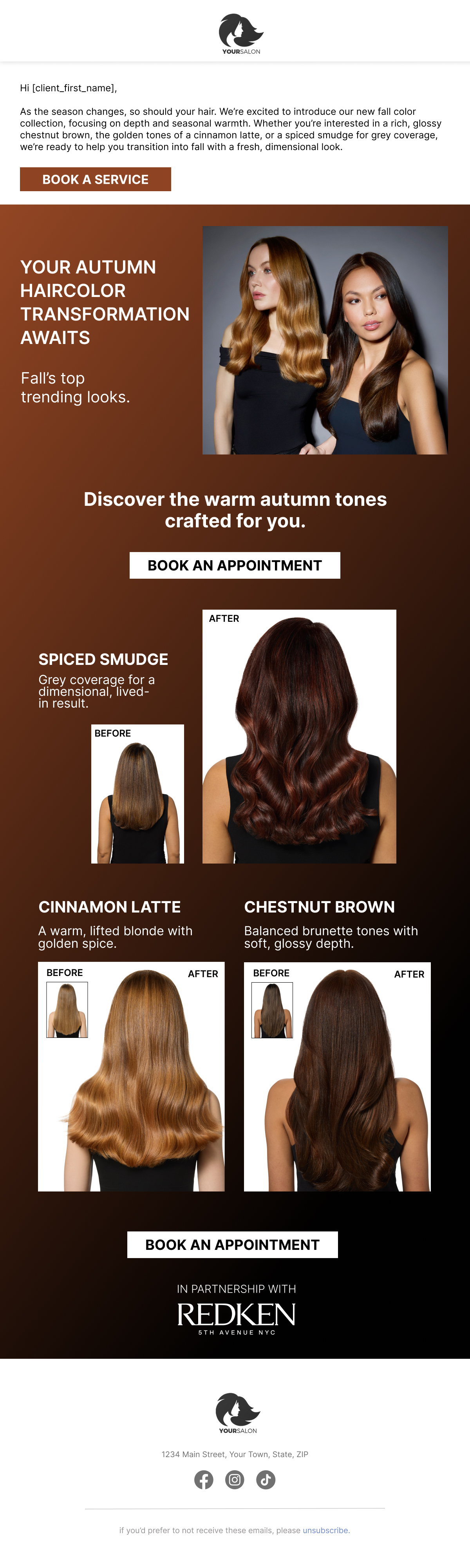
Salon email: upcoming Redken Gold Chocolate service campaign
Redken · Nov
SalonInteractive icon (text)
SalonInteractive
Text Message · Today 9:41 AM
Heads up! Redken's Gold Chocolate campaign sends to your clients Nov 5 & 19. Preview the emails and stock up on the new shades: si.link/redken
Also included · Product Recommendations

Keep clients shopping with you between visits

Send your expertise home with every client. They buy from your Online Store, their distributor ships it to their door, and you earn the commission.
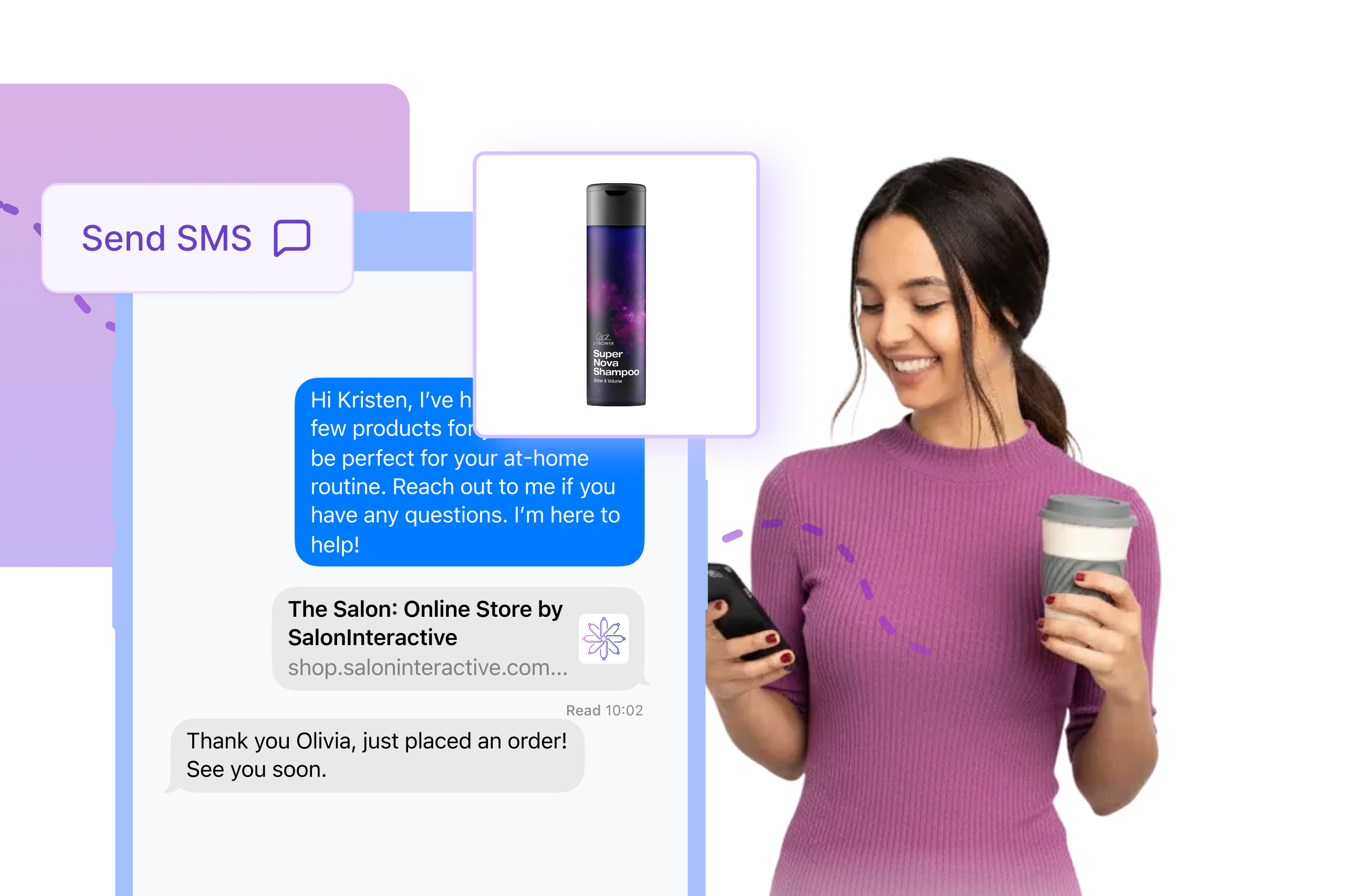
A stylist texting a personalized Product Recommendation to a client

Text personalized Product Recs

Send a rec by text or email from the SalonInteractive app. Pick your client, add the products you used, and they get a personal note from you with a link to shop your store.

Saving a group of products as a bundle in the SalonInteractive app

Bundle your favorite products

Save your go-to products as bundles for color care, curl care, extra moisture and more. Send the whole at-home routine in a couple of taps.
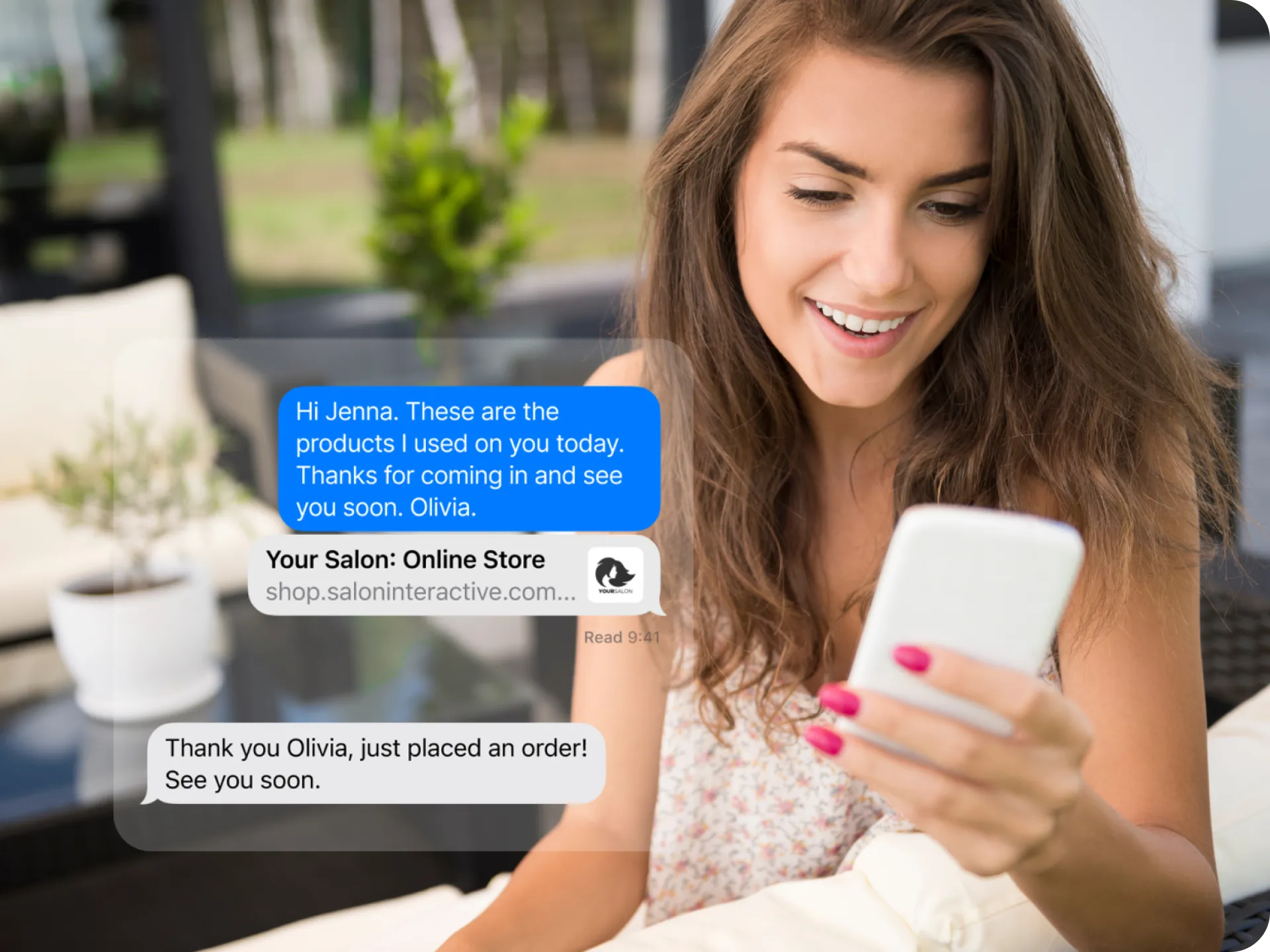
A client placing an order from a Product Recommendation

Add discounts to your recs

Offer a one-time discount on the products you recommend. Choose the percentage off to encourage an online order or reward a loyal client.

Pick the next step that fits you

Turn it on yourself from inside Rosy, or have our Customer Success team set up your brands and booking link with you.

Do it yourself

Turn on SalonInteractive

Log into Rosy, open the Boosters tab and select SalonInteractive. Your storefront and OBM settings are a few clicks away.

Log into Rosy
Want a hand?

Talk to our team

A real person from Customer Success will help pick your brands, add your booking link, and confirm your Rosy clients are syncing.

Book a setup call
Questions

What Rosy users ask us

How do I log into or start a SalonInteractive account?
+

As a Rosy user, SalonInteractive is built into your account. Log into Rosy, click the Boosters tab, and select SalonInteractive.

How do I do the initial client data sync?
+

Log into Rosy, go to the Boosters tab, and click SalonInteractive. The direct data feed updates automatically from there. You can also upload clients directly into SalonInteractive to segment beyond Rosy's filters, or to add leads from events and newsletter sign-ups.

What marketing features are available to me as a Rosy user?
+

On Behalf Marketing and Product Recommendations are built into your SalonInteractive account and free to use. Client Connect email marketing is available as part of a premium package through Rosy.

What does On Behalf Marketing cost?
+

Nothing. On Behalf Marketing and Product Recommendations are built into your SalonInteractive account and free to use. Participating brands fund and design every campaign.

Do brands get access to my client list?
+

No. Brands send on your behalf without ever seeing your clients. Every link in every email leads back to your booking page or Online Store.

Can I control which emails my clients get?
+

Yes. Fine-tune your settings by brand and by email type so clients only receive the service and retail promotions you want them to see.

Can I add my booking link?
+

Yes. Click your profile icon on your dashboard, select Business settings, then Add business links.

Who can I contact for help?
+

Our Help Center is available 24/7. You can also reach our team at 312-300-0553 or open a ticket by email.

Still stuck? Our Help Center is open 24/7, or call 312-300-0553.

Rosy salon? SalonInteractive is already in your Boosters tab.

Log into Rosy