
Top beauty brands sponsor promotions directly to your clients — filling your chairs and driving sales to your Online Store. All automatically without you having to lift a finger.
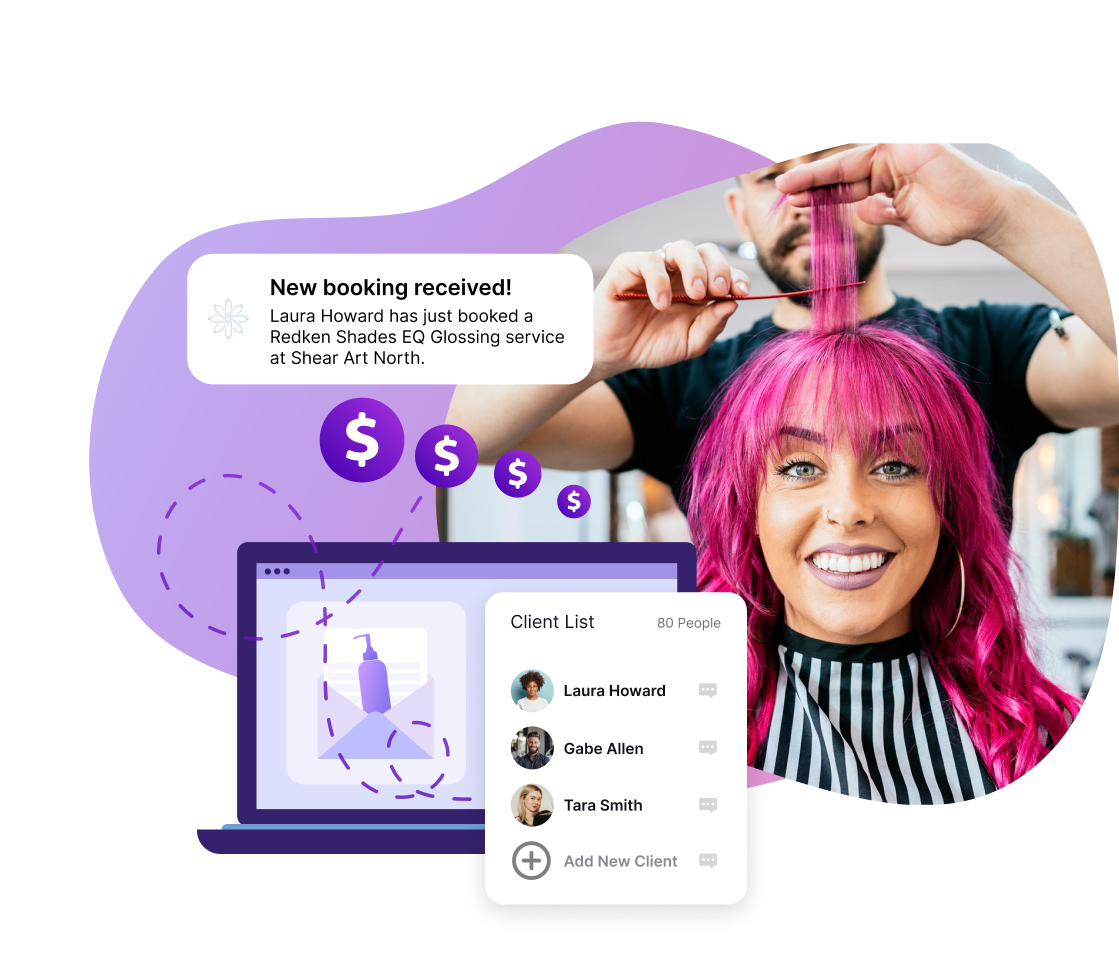
Salons participating in On Behalf Marketing generate more revenue than salons without. Plus, it’s free and works in the background.
Shh... it’s our little secret! Your favorite brands are here to do the heavy lifting while you focus on what you do best.
.webp)
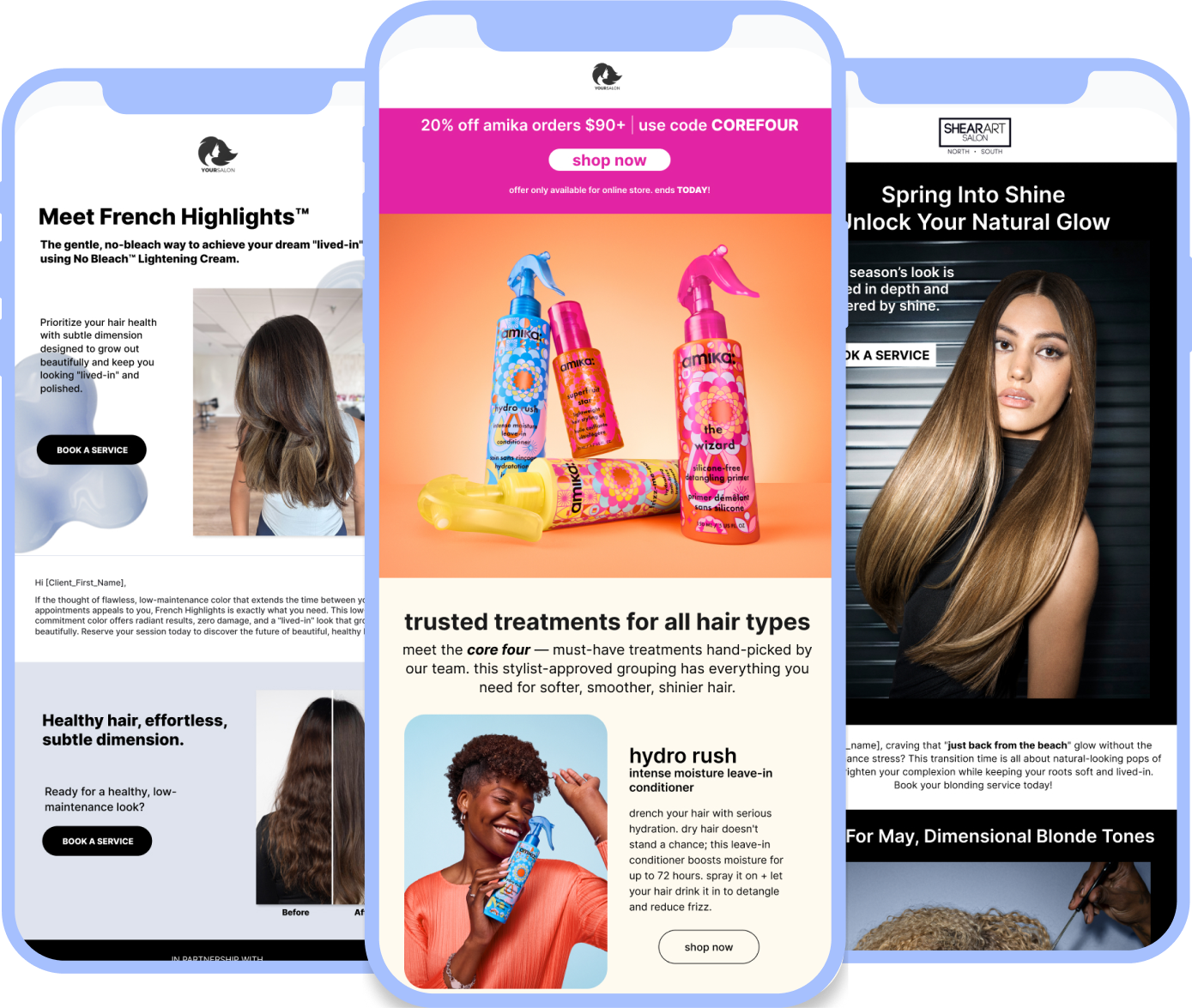
Professional brands sponsor salon-branded emails sent to clients on your behalf — driving service bookings right to your salon and traffic to your Online Store. You maintain complete control: fine-tune your settings by brand and email type to ensure clients receive the exact service and retail promotions you want them to see.


.svg)
.png)
Whether it's a retail promotion driving clients to your Online Store, a product education email keeping your recommendations top-of-mind, or a service promotion linking straight to your booking page — your favorite brands are sending on your behalf around the clock. That way you can stay focused on creating magic behind the chair. The different types of OBM emails sent to clients are:
.webp)

OBM lets brands do the marketing work — but your client list stays completely private. Brands send emails on your behalf without ever having direct access to your clients. Every link in every email leads back to your booking page or Online Store. Your client relationships stay exactly where they belong: with you.
.png)
.webp)


OBM is completely free. Turn on your permissions, choose your brands, add your clients — and your favorite brands start promoting your business automatically.

Our industry expert team is passionate about helping you. They know what your day to day is like because they have lived it.
Everything you need to know about SalonInteractive

On Behalf Marketing (OBM) is an automated email marketing feature that allows trusted beauty brands to send professional product and service promotions directly to your clients on your behalf. OBM helps your business grow by boosting both retail and service revenue while saving you time on content creation and scheduling.
On Behalf Marketing service promotion emails help grow your business by driving more appointments and building trust with your clients. It’s a great way to fill your chairs and earn more revenue.
Focus on these three key steps:
1. Make sure your OBM settings include your favorite brands for each type of email (retail and service) you want your clients to receive.
2. Add your booking link to help fill your chairs with more bookings, directly driving service revenue.
3. Ensure all your clients are added to your account so these automated promotions reach their inboxes.
Either connect your point-of-sale software to your SI account for automatic client updates, upload a list yourself, or let us do it for you, here.
Log in to SalonInteractive and click the profile icon in the upper right. Click Business profile > Add business links, then paste your booking link and save. Learn more here.

Our team knows what you need because they know the beauty industry.
Be the first to know about releases and industry news and insights.


.webp)


